True to size, in your units
Type a height or a width in inches, centimetres or millimetres and the other side follows the crop. The PDF prints at exactly that size when you print at 100%.
For cake makers who print their own toppers
Add your photos, crop them and set each size. CakeSheet packs every copy onto as few A5, A4 or A3 sheets as it can, and gives you a PDF that prints true to size.
How it works
No rulers, no resizing in a word processor, no guessing how many will fit. Do it on your phone while the cake cools.
Pick the pictures for the order from Photos or Files, as many as you need. CakeSheet trims the plain edges around each one for you.
Crop each picture, then type its height or its width and the other side follows. Need six of the same topper? Set the copies.
Every copy is packed onto as few sheets as possible. Open a sheet to fine-tune it, then share the PDF and print it at 100%.
Made for cake makers
The fiddly parts of printing toppers at home, handled: exact sizes, tight packing and a check on sharpness before the ink goes down.
Type a height or a width in inches, centimetres or millimetres and the other side follows the crop. The PDF prints at exactly that size when you print at 100%.
CakeSheet tries many arrangements, mixes sizes and turns prints sideways when that saves paper, then keeps the one with the fewest sheets.
Every photo is checked against its print size, so you hear about a soft print before it’s on the cake.
Leave up to 20 mm between prints and add dashed lines to cut along.
Drag a print, turn it 90° or move it to another sheet. It snaps to the margins and its neighbours.
Make the PDF on your phone, then AirDrop, message or email it to the computer next to your printer. Or download it on any device.
Any order
Names, numbers, characters, butterflies and logos. Mix sizes and copies in one project and CakeSheet fits them together.
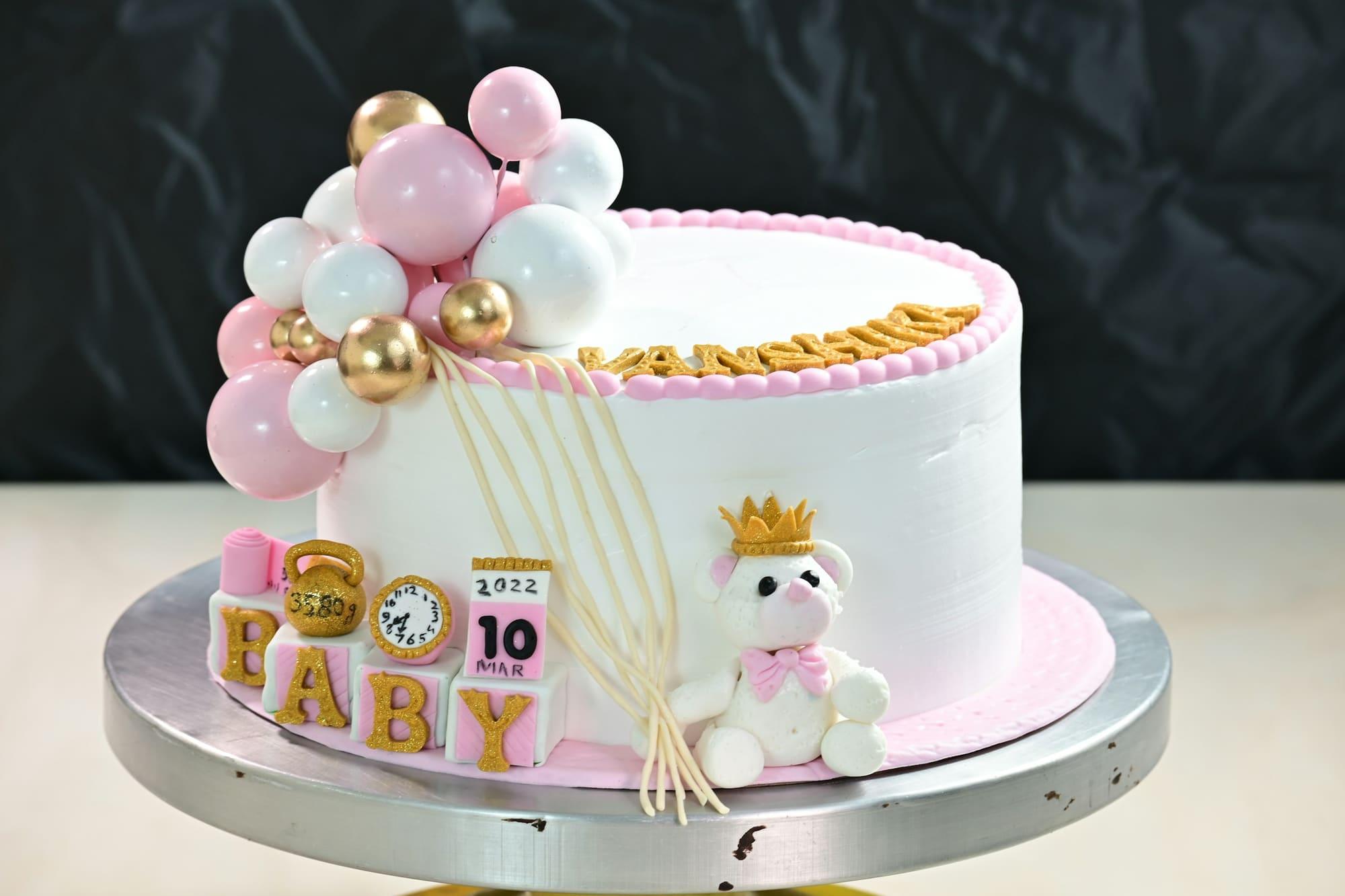
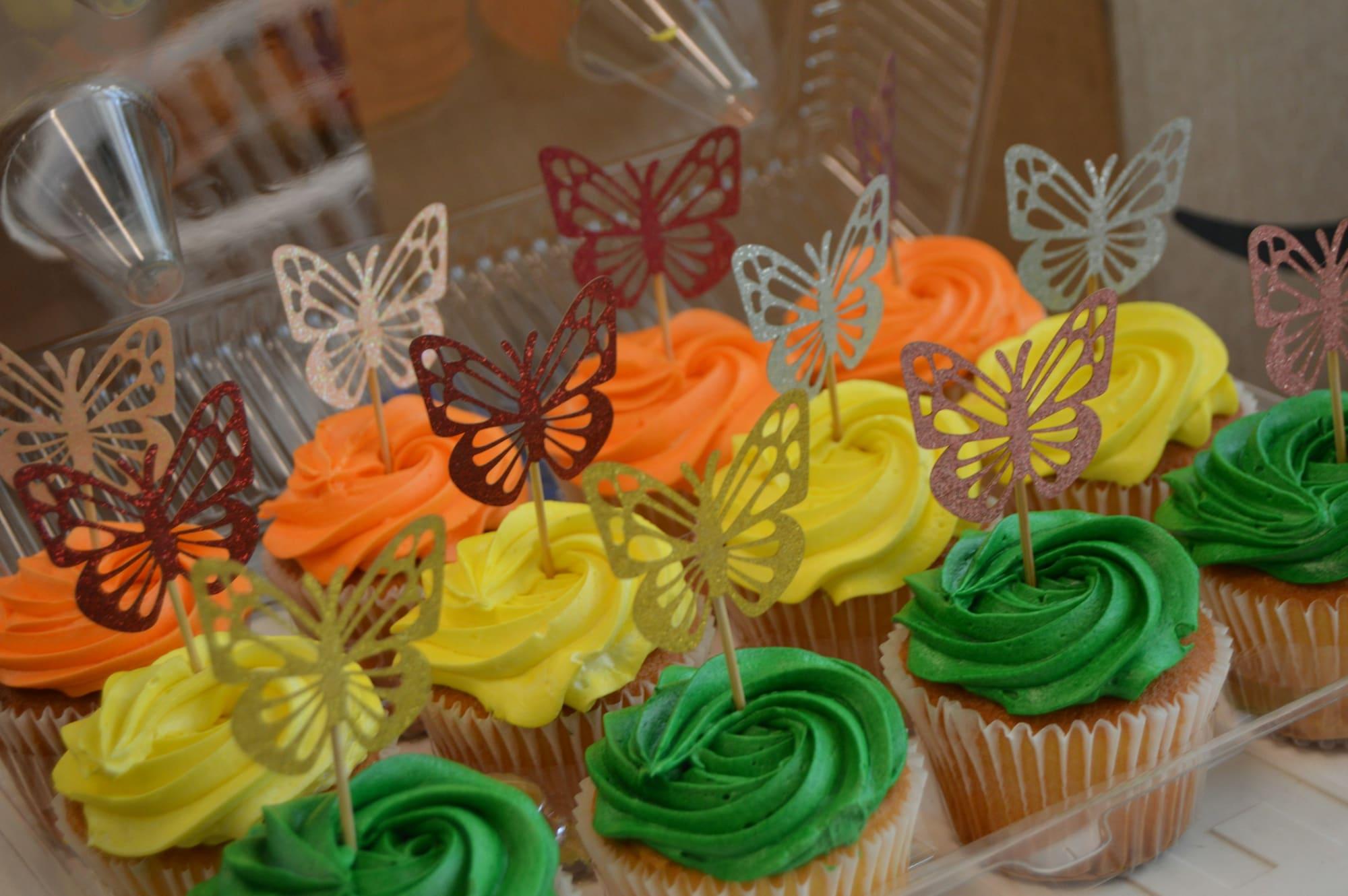
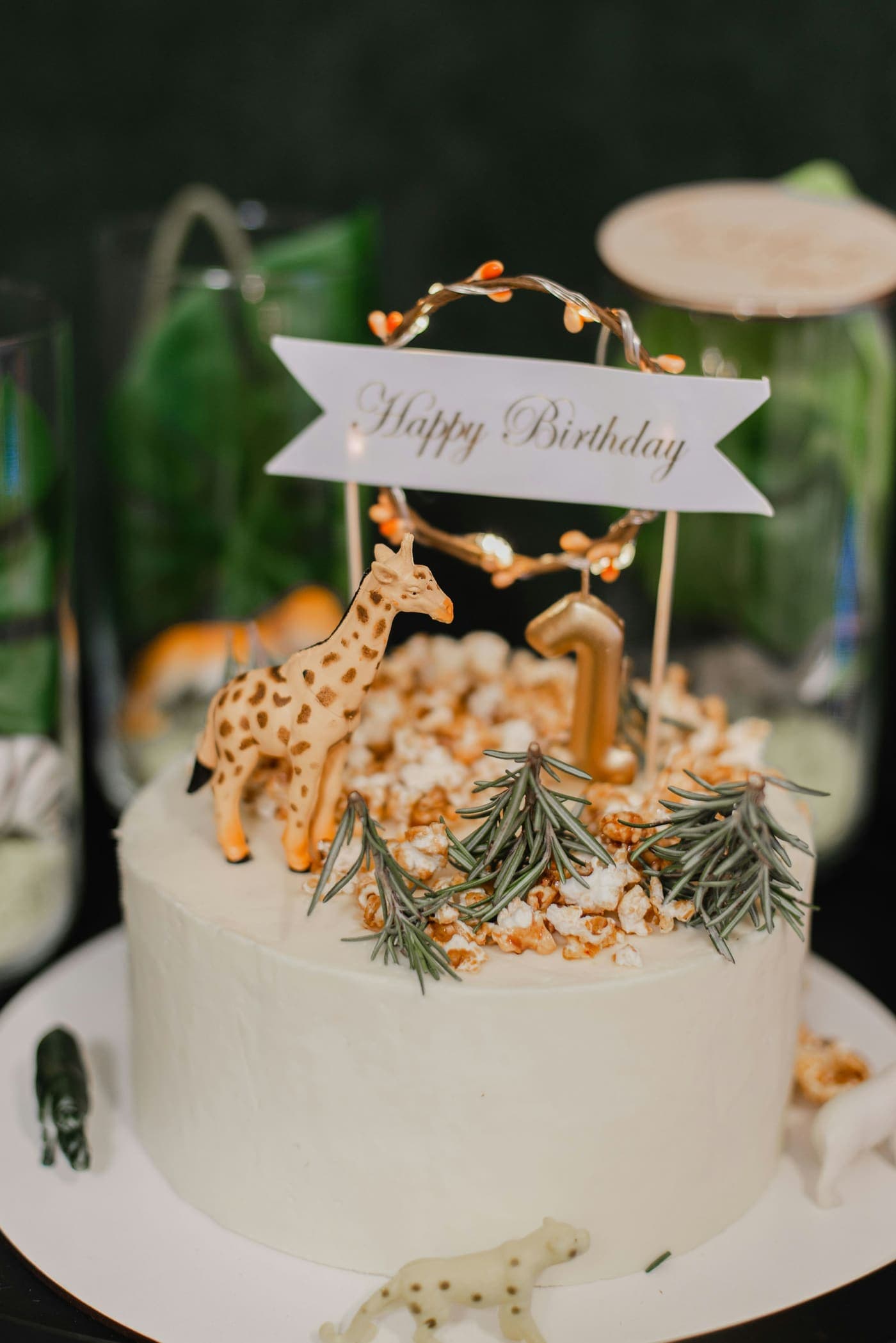
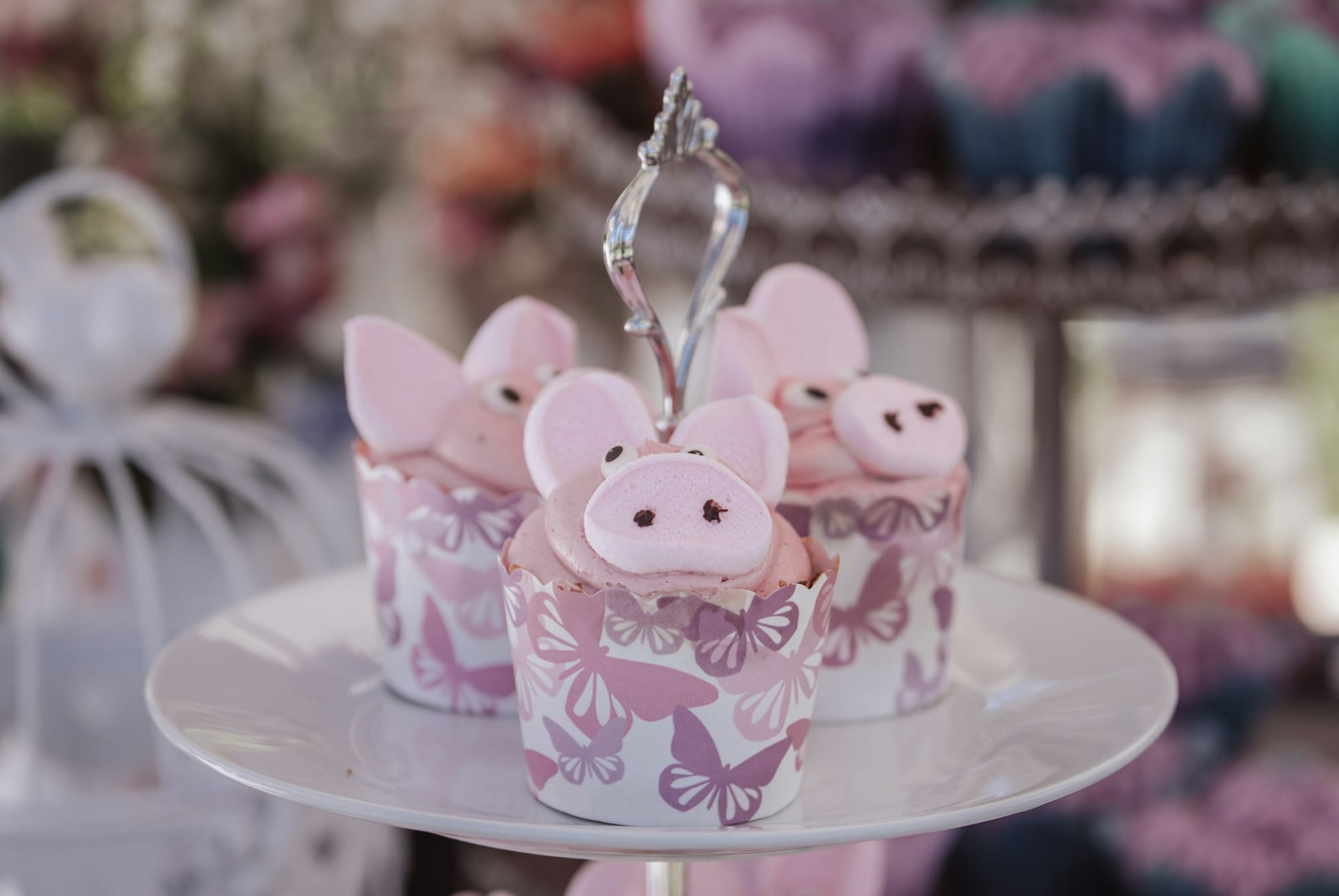
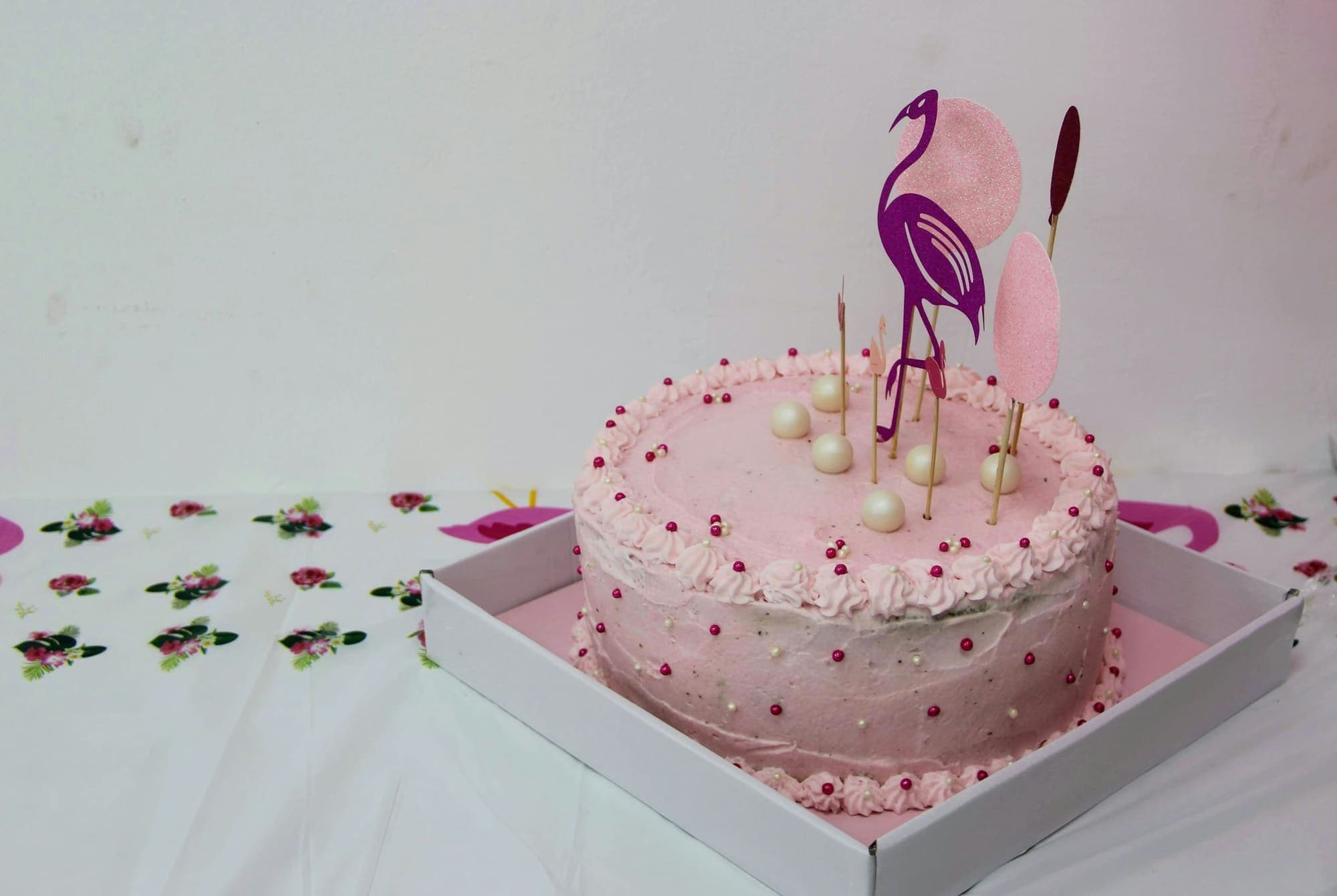
Sizing toppers one at a time in a document, then nudging them around the page until they fit, can take a whole evening. CakeSheet does the measuring and the fitting, and keeps every project, so a repeat order is a few taps.
Pricing
Seven days free, no card needed. Pro is 500 LKR a month, paid by bank transfer, and nothing renews by itself. See pricing
Free trial
Free
for 7 days, no card needed
Pro
500LKR
a month
Pay by bank transfer in Sri Lanka. Nothing renews by itself.
Questions
Every account starts with a 7-day free trial: up to 3 projects and 50 MB for your photos, no card needed. After that, Pro is 500 LKR a month, or 1,400 LKR for 3 months, 2,700 for 6 and 5,000 for 12. Pro has unlimited projects, no locks and 500 MB.
By bank transfer in LKR. Choose how long in the app, transfer the exact amount with your reference in the remark, then send a photo or screenshot of the slip. We confirm payments within a working day, and Pro starts then.
Yes, as long as you print at 100%. The PDF is made at the exact paper size, so choose Actual size or 100% scale in the print dialog and turn off Fit to page or Scale to fit.
A5, A4 and A3. Every sheet keeps a 0.5 in (12.7 mm) margin on each side, which almost any home printer can print inside. You choose the paper in Settings.
CakeSheet is made for iPhone first and runs in Safari, with nothing to install. It works on Android phones, tablets and computers too. On iPhone, Share PDF opens the share sheet, so you can AirDrop, message or email the file to the computer next to your printer.
They’re stored privately for your account. Deleting a project deletes its photos straight away, and each PDF is deleted 30 days after you make it. If your trial or Pro ends, your photos and PDFs are deleted 30 days later unless you upgrade.
Add the photos, set the sizes and let CakeSheet fit them together. Try it free for 7 days, on the phone in your pocket.